Food that is easy to find
Search common, branded, restaurant, and packaged foods. Adjust the serving, choose the meal, review it, then log.
Zenith brings workouts, food, water, recovery, progress, and friends into one calm place. Choose what matters today, log it quickly, and keep moving.
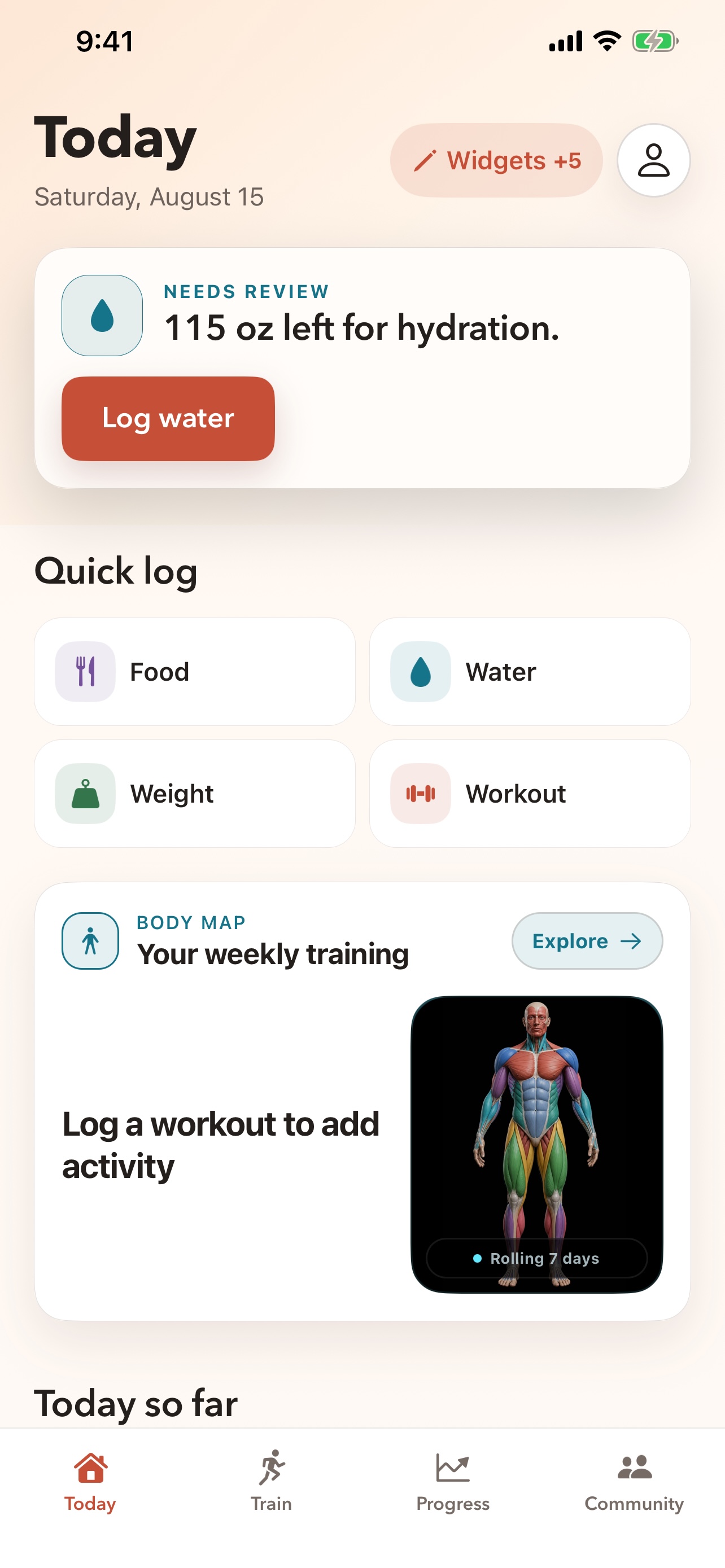
Today is not a fixed dashboard. Choose from 16 widgets, arrange them in your order, or begin with a layout for strength, running, wellness, weight goals, social life, or a balanced day.
Your saved layout stays yours. New widgets remain out of the way until you decide to add them.
Explore customizable Today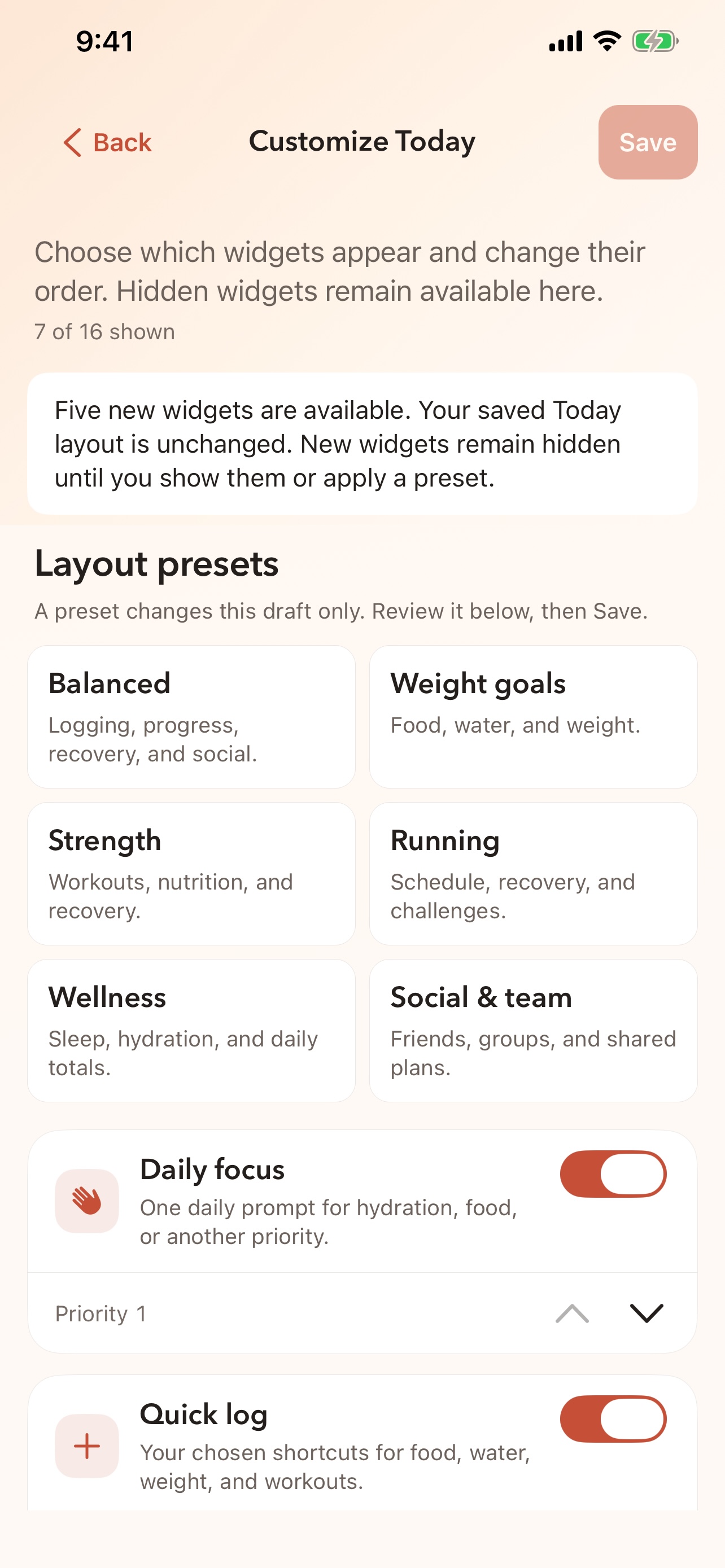
Open the right tool, enter what happened, and get back to your day. Zenith keeps the common actions close and the extra setup secondary.
Search common, branded, restaurant, and packaged foods. Adjust the serving, choose the meal, review it, then log.
Use a quick amount or enter your own.
Manual entry comes first. A connected scale stays a secondary Apple Health option.
Track an outdoor run, follow a guided lift, reuse a saved routine, or add a workout after the fact.
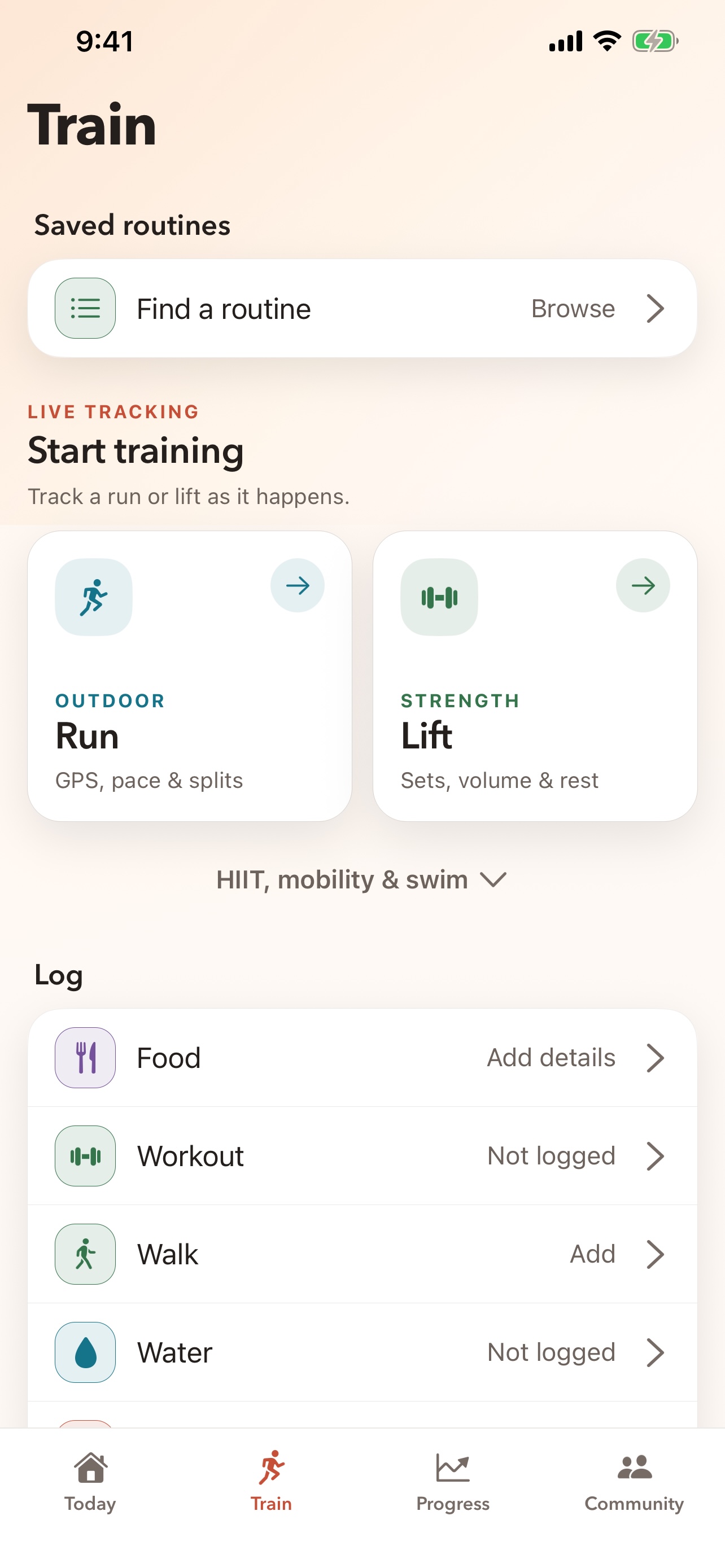
Zenith keeps source facts separate from estimates. Missing route, heart-rate, sleep, or workout detail is shown as missing—not filled in with a made-up number.
Distance, time, pace, splits, heart rate, and route details appear when the source provides them.
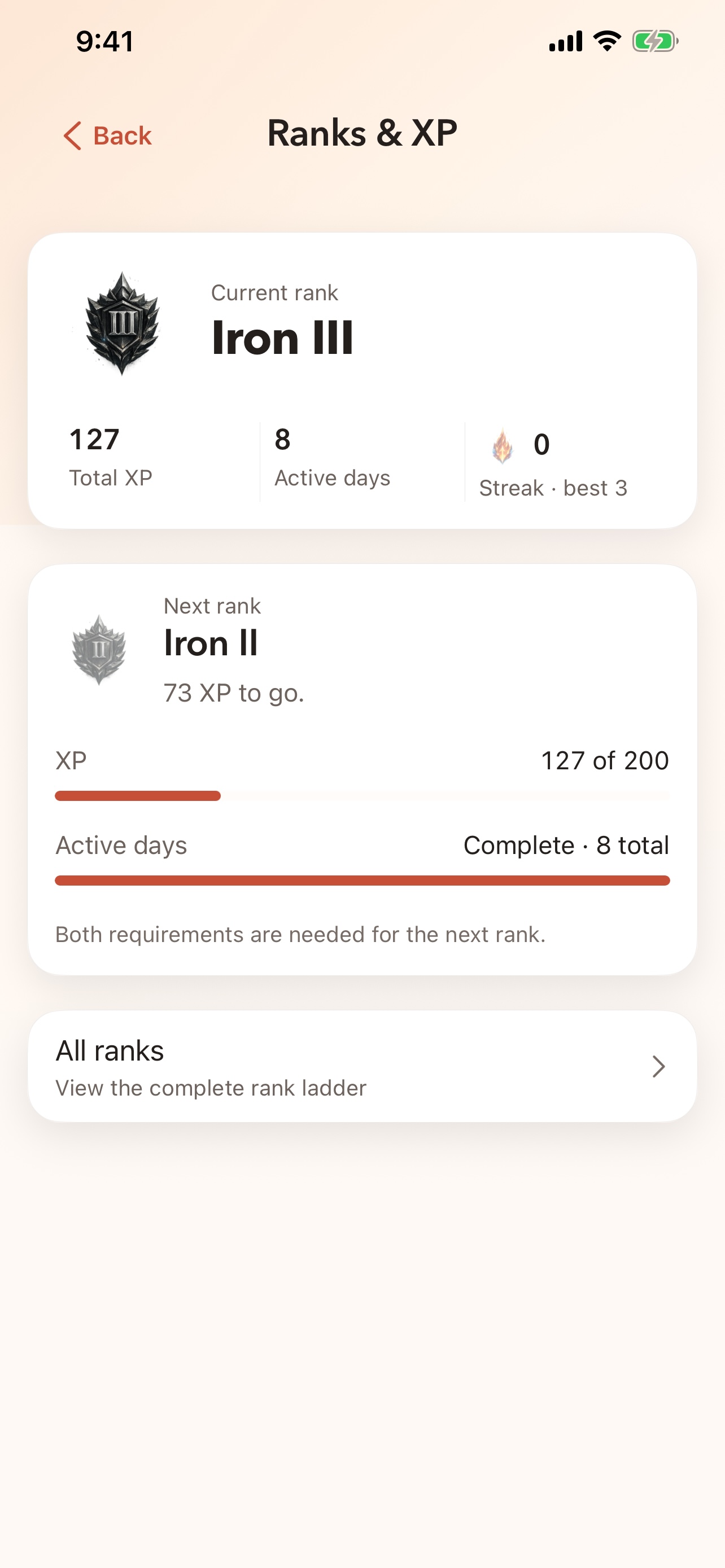
Distinct rank artwork, visible requirements, and straightforward XP progress replace a generic trophy.
With permission, Zenith can read available Apple Health history for steps, sleep, weight, workouts, heart rate, HRV, and active energy.
Use Apple Watch for quick logging and workout controls, then review the full picture on iPhone. A temporary disconnect should not turn one workout into two.
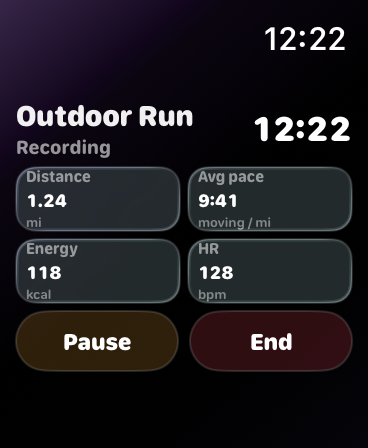 Live distance
Average pace
Pause or end
Live distance
Average pace
Pause or end
Keep up with people you actually know.
Train around a shared plan or purpose.
Share progress on your terms.
Add a social summary only if it belongs there.
Core tools are included. Apple Health is optional. Your Today screen belongs to you.