Apple Health & wearablesYour phone stays
Your phone stays
the home base.
Connect Apple Health or Apple Watch when they add value. Zenith keeps the complete setup, history, and review experience on iPhone.
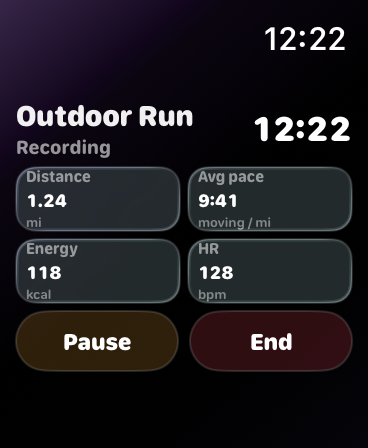 Live distanceAverage pacePause or end
Apple Health
Bring your history with you.
After you choose the categories and approve them in Apple’s permission sheet, Zenith can read the history that is available—not only today.
Apple Health access is optional and controlled in iOS. Zenith cannot read a category you did not allow, and a missing source value is not replaced with a guess.
Connected scales
Use the connection you already have.
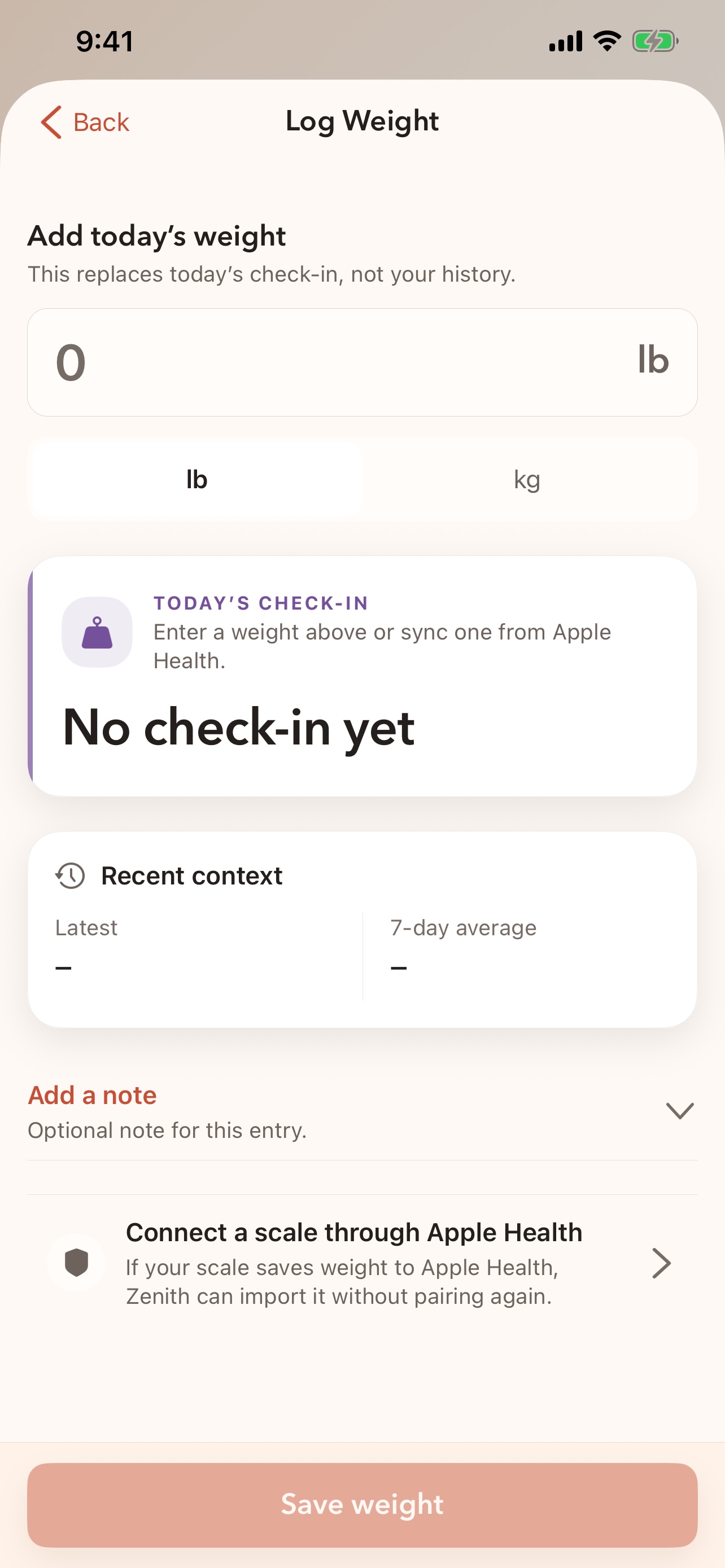
If a scale app writes weight into Apple Health, Zenith can read that weight after you grant access. In Zenith, choose Connect a scale and follow the Apple Health path.
There is no direct Taylor—or any other brand-specific—account connection inside Zenith.
Apple Watch
A companion, not a second app to manage.
Start on either device
Use supported phone or Watch controls for a workout without creating two separate sessions.
Keep the next action visible
During guided lifts, see the current set, the next set, timed work, rest, heart rate, and active energy when available.
Reconnect without panic
A short disconnect can recover when the devices reconnect. The phone remains the final place to review the saved workout.
Use quick logging
Keep common actions on the wrist, while food search and detailed editing stay on iPhone.
iPhone + Apple Health
Optional history import and source-aware summaries.
Apple Watch
Supported quick actions and workout continuity with a paired watch.
Garmin
Not publicly installable yet. Zenith will publish simple setup and model guidance only after the companion is live and physically verified.
Current Garmin status →Android
Zenith is currently built for iPhone. Android and Health Connect are future directions.